Setup guide
Configure TermPilot
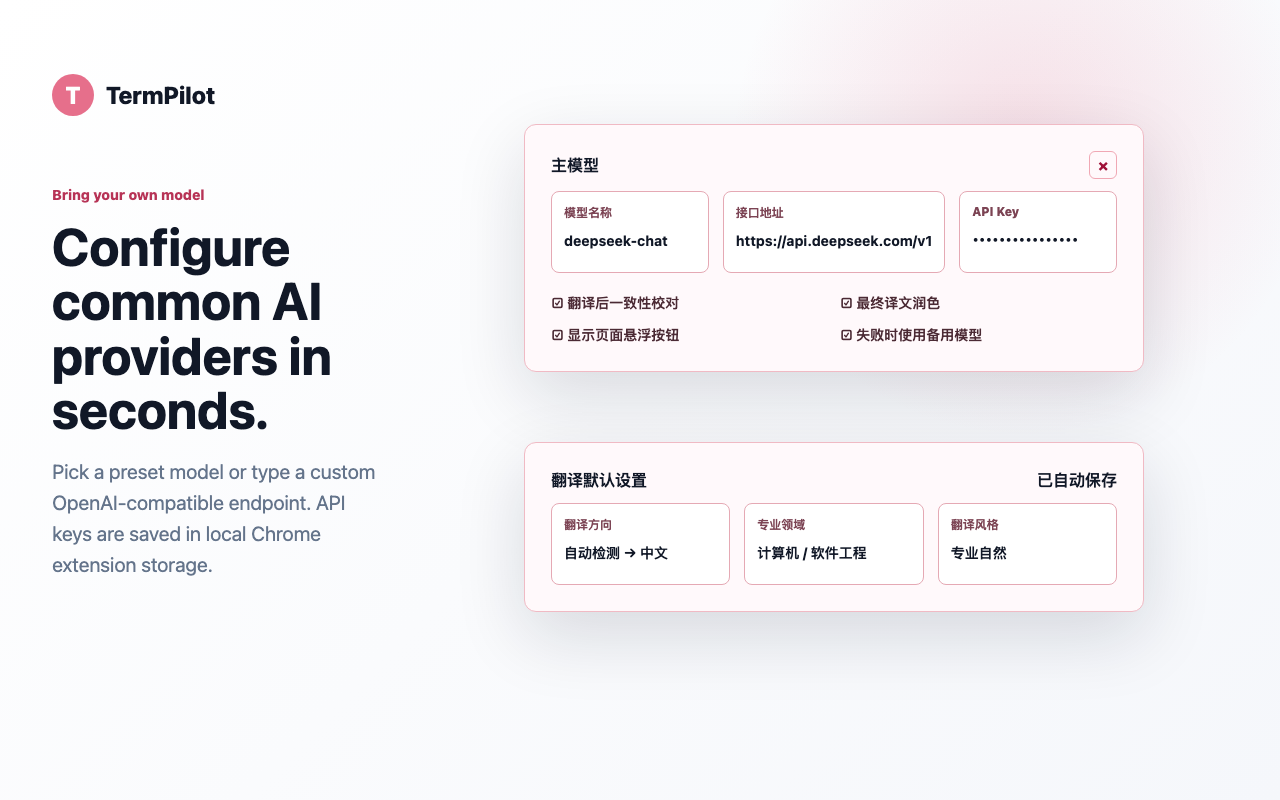
TermPilot uses your own model provider account. After installation, open the extension settings page and fill in the model name, endpoint, and API key.
1. Add a model provider
Choose a preset model name or enter a custom OpenAI-compatible model. When a preset is selected, TermPilot fills the matching endpoint automatically.
2. Choose translation defaults
Set the target language, professional domain, and style. If the professional domain is set to automatic, TermPilot uses page content to infer the most likely domain.
3. Use the floating panel
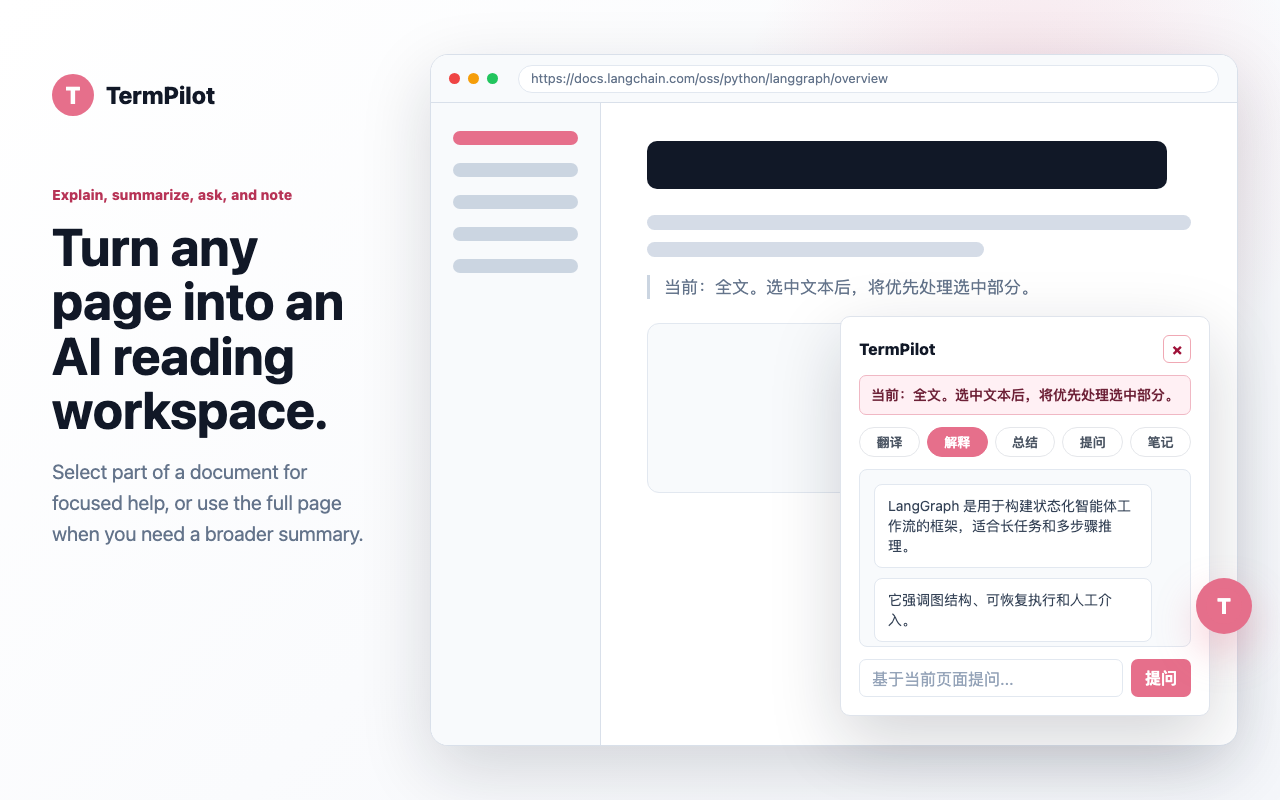
Open any supported webpage and hover over the TermPilot floating button. Use Translate for full-page translation, or select text first and choose Explain, Summary, Ask, or Note for a focused AI reading action.
4. Understand privacy behavior
Your API key is saved in local Chrome extension storage. Requests are sent through
api.termpilot.top only when you trigger an AI action. TermPilot does not
store API keys, original text, translations, questions, or generated notes.
Common model endpoints
| Provider | Example model | Endpoint |
|---|---|---|
| DeepSeek | deepseek-chat |
https://api.deepseek.com/v1 |
| Qwen | qwen-plus |
https://dashscope.aliyuncs.com/compatible-mode/v1 |
| OpenAI | gpt-4o-mini |
https://api.openai.com/v1 |